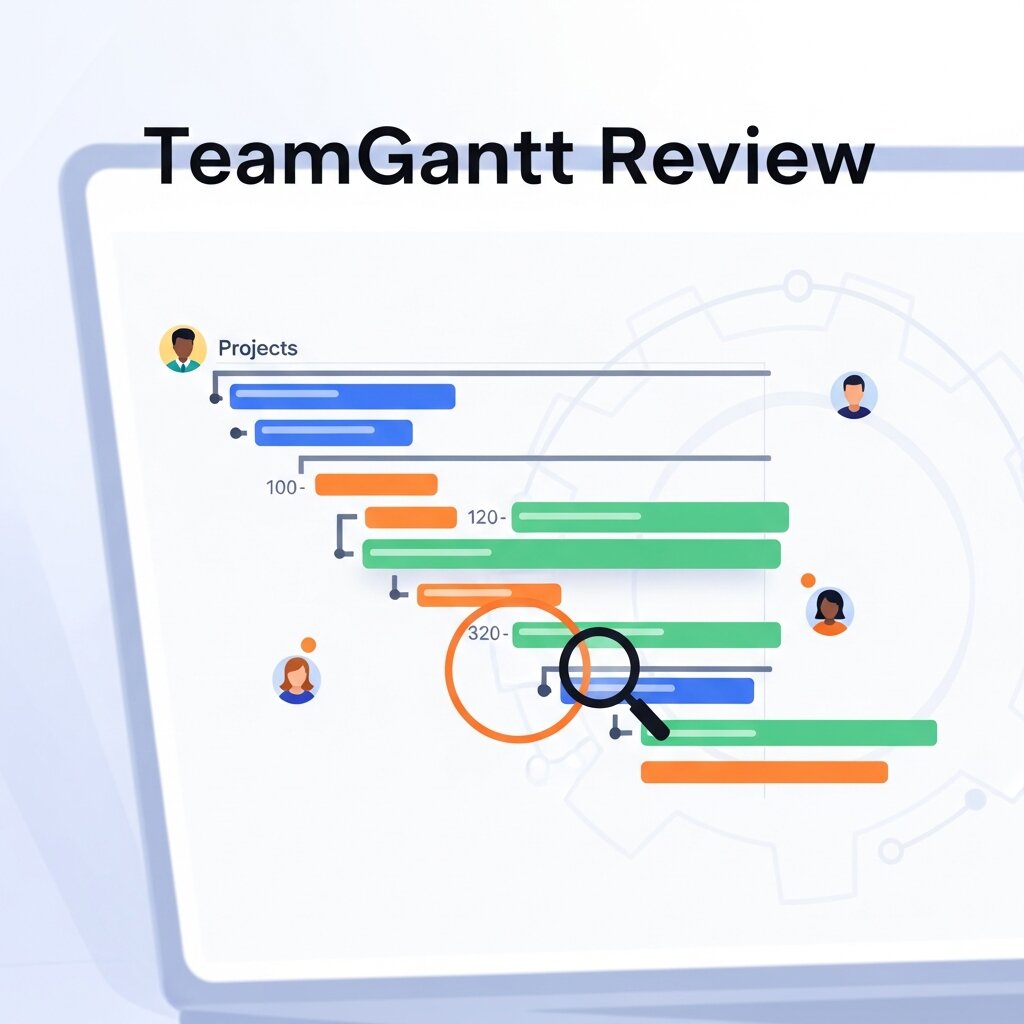
Welcome to our complete TeamGantt Review. If you need a visual way to track timelines, this TeamGantt Review covers features, pricing, and pros and cons.
This TeamGantt Review provides a comprehensive breakdown of visual project scheduling, resource management, and team collaboration. We explore pricing tiers, core functionalities, and expert insights so you can decide if this software aligns with your workflow and business outcomes.
Understanding TeamGantt: A Closer Look at Gantt-Centric Project Tracking
 At its core, TeamGantt is a cloud-powered project management application built around the concept of Gantt chart visualization. Unlike conventional task lists or kanban boards, Gantt charts provide a timeline-based interface that helps teams see the start and end dates of tasks, interdependencies, and milestones in one cohesive view. This bird’s-eye perspective is invaluable for managers who must juggle multiple projects, align deliverables, and forecast potential bottlenecks.
TeamGantt’s user experience is centered on simplicity. New projects can be created in minutes by adding tasks directly to the timeline, adjusting durations through drag-and-drop movements, and linking related tasks to enforce dependencies. The visually intuitive interface means that even team members unfamiliar with Gantt charts can quickly grasp how their work fits into the larger schedule. Customizable columns allow for labeling by status, assignee, or priority, making it easy to filter and focus on specific segments of a project.
Furthermore, TeamGantt supports multiple views—daily, weekly, or monthly—to help teams zoom in on imminent tasks or zoom out for long-term planning. Color-coding aids in distinguishing project phases, and milestone markers spotlight critical deadlines. This flexible view management aligns with recommendations from the National Institute of Standards and Technology, which highlights the importance of adaptable scheduling tools in dynamic work environments.
Beyond visualization, TeamGantt incorporates basic analytics such as percentage completion, which automatically updates as users check off sub-tasks. This feature helps project leads track progress without exporting data or crafting manual reports. While the platform eschews clutter by focusing on essentials, it still empowers managers with enough detail to identify stalled tasks, reassign resources, and keep stakeholder expectations aligned.
Streamlined Scheduling and Resource Allocation with TeamGantt
Effective scheduling and resource management are vital in today’s project-driven climate. Companies often struggle with overallocated team members, unclear responsibilities, and conflicting deadlines. TeamGantt addresses these pain points through dedicated resource views and workload balancing features that bring transparency to team availability.
When tasks are assigned, TeamGantt displays each person’s total workload in the resource view, highlighting potential overbookings in red. Managers can drag assignments to shift tasks between team members, ensuring that no one is overloaded. This real-time visualization of capacity aligns with best practices outlined by the Project Management Institute, which emphasizes balancing resource demand to maintain morale and prevent burnout.
In addition to workload metrics, TeamGantt allows users to define task dependencies—finish-to-start, start-to-start, or finish-to-finish—so that changes in one activity automatically cascade through the timeline. This dependency tracking means that adjusting a critical task pushes out subsequent activities, giving teams an accurate snapshot of how shifts impact the entire project.
The drag-and-drop scheduler speeds up planning sessions. Rather than manually entering dates, project managers can reposition task bars to update start and end points instantly. If a vacation or holiday affects availability, these dates can be blocked off so that automatic scheduling respects non-working days. For large, multi-phase initiatives, this feature ensures that milestones remain visible and achievable throughout all stages.
Furthermore, TeamGantt’s resource view supports rate-based cost tracking. While not as granular as specialized finance modules, it helps small and mid-sized teams estimate labor expenses by applying hourly rates per team member. This lightweight approach keeps budgeting straightforward and helps forecast project costs without needing a separate tool or spreadsheet.
TeamGantt Review: Pricing Tiers and Costs
Pricing is often the deciding factor, so this TeamGantt Review breaks down the costs. Our TeamGantt Review looks at the value provided at each tier.
The Free Plan
This TeamGantt Review starts with the Free plan. It allows one manager, two collaborators, and one project with up to 60 tasks. Our TeamGantt Review finds this perfect for students or personal projects. However, this TeamGantt Review notes that it is too limited for growing businesses.
The Pro Plan
The most popular tier in this TeamGantt Review is the Pro plan, starting at $49 per month per manager. This TeamGantt Review highlights that it includes 20 projects per manager and unlimited collaborators. A major positive in this TeamGantt Review is that you do not pay for collaborators, only managers. This TeamGantt Review finds this pricing structure very budget-friendly for larger teams.
The Unlimited Everything Plan
For enterprise needs, this TeamGantt Review examines the Unlimited Everything plan. It offers unlimited projects, advanced security, and dedicated support. This TeamGantt Review notes that pricing is custom and requires annual billing. Our TeamGantt Review recommends this tier for massive organizations needing extensive portfolio management.
Feature Comparison Table
To make this TeamGantt Review highly actionable, here is a breakdown of what each plan offers:
|
Feature |
Free Plan |
Pro Plan |
Unlimited Everything |
|---|---|---|---|
|
Price |
$0 |
$49/manager/month |
Custom Pricing |
|
Projects |
1 |
20 per manager |
Unlimited |
|
Collaborators |
2 |
Unlimited |
Unlimited |
|
Time Tracking |
No |
Yes |
Yes |
|
Workload Tracking |
No |
Yes |
Yes |
|
Priority Support |
No |
Yes |
Yes |
As shown in our TeamGantt Review table, the Pro plan offers the best balance of features and cost.
Collaboration and Communication Features in TeamGantt

Transparent communication is the backbone of successful projects in today’s collaborative workplaces. TeamGantt integrates several teamwork-enhancing features directly into its timeline interface to reduce context switching and keep information centralized.
Each task in TeamGantt has a dedicated comment thread where team members can post updates, ask questions, and attach files. Because comments appear next to the timeline bar, everyone sees relevant discussions in context. Automated notifications alert users when someone mentions them or when tasks are updated, minimizing the chances of missing critical information during rapid project phases.
Guest access is another standout feature. Stakeholders, clients, or contractors can be granted read-only links that display a simplified view of the schedule without requiring a paid seat. This approach fosters transparency and keeps external parties informed without compromising internal workflows or exceeding license counts.
While TeamGantt does not include a built-in chat or video conferencing module, it mitigates this by offering robust integrations with communication platforms such as Slack. Incoming updates and due-date reminders can be pushed into designated channels so that team members receive task alerts alongside their daily team discussions. This seamless integration helps maintain momentum and ensures no update gets buried in email inboxes.
To accommodate diverse workflows, TeamGantt provides switchable views—list, timeline, and workload—allowing teams to choose the presentation that suits their current activity. Whether you’re auditing progress in a tabular list or brainstorming task assignments on the chart, TeamGantt keeps you in sync with project status in real time.
Pricing Options and Value Assessment
Choosing a project management tool often depends on balancing functionality with budget constraints. TeamGantt offers tiered pricing plans designed to meet the needs of growing teams while providing a risk-free way to test the platform.
The Free Forever tier supports up to three users and a single project, offering basic Gantt functionality at no cost. This entry-level plan is ideal for freelancers or micro-teams who need a straightforward timeline tool without advanced features or integrations.
The Standard plan, priced at $19.90 per user per month, unlocks unlimited projects, guest access, custom reporting, and integrations with popular apps like Trello and Google Drive. It’s a solid middle-ground option for small agencies and marketing teams that require more flexibility and stakeholder visibility.
For teams that demand robust resource management, advanced dependencies, time tracking, and priority support, the Advanced plan is available at $24.90 per user per month. This tier includes all Standard features plus enhanced capacity planning, workload smoothing, and detailed audit logs. Organizations can evaluate ROI by tracking billable hours, comparing planned versus actual effort, and identifying efficiency gains over time.
All paid versions include a 30-day free trial with no credit card required, giving teams a chance to explore scheduling, resource views, and collaboration tools before committing. When considering total cost of ownership, it’s helpful to weigh savings from reduced meeting hours, fewer scheduling conflicts, and improved project predictability—factors that often offset subscription fees.
Integrations, Extensions, and Alternative Solutions
In today’s interconnected tool ecosystem, the ability to integrate with existing apps is crucial. TeamGantt offers native connectors to popular platforms: import Trello boards or Jira tickets into your timeline, attach documents from Google Drive or OneDrive, and push task alerts to Slack channels. For deeper automation, the Zapier integration opens doors to over 3,000 apps, making it possible to trigger workflows, sync data, and automate repetitive tasks without custom coding.
Despite its focus on Gantt charts, TeamGantt provides an open API for teams that need bespoke integrations or want to pull scheduling data into internal dashboards. This extensibility ensures that even specialized workflows can leverage TeamGantt as the scheduling backbone without sacrificing existing infrastructure.
For organizations seeking alternatives, ClickUp stands out as an all-in-one platform with kanban boards, document collaboration, goals, and optional Gantt views. Smartsheet offers a spreadsheet-like interface enhanced with automation, while Monday.com delivers highly customizable boards suitable for diverse workflows. Enterprise users may also consider Wrike, which combines time tracking, reporting, and workload insights in a single suite.
Ultimately, the choice hinges on your team’s primary needs—if timeline clarity and drag-and-drop scheduling are paramount, TeamGantt’s streamlined approach can outperform feature-laden suites that dilute the Gantt experience. However, if you require built-in chat, video calls, or advanced portfolio management, evaluating complementary or alternative tools may yield a better fit.
Advanced Dependency Mapping and Critical Path Optimization
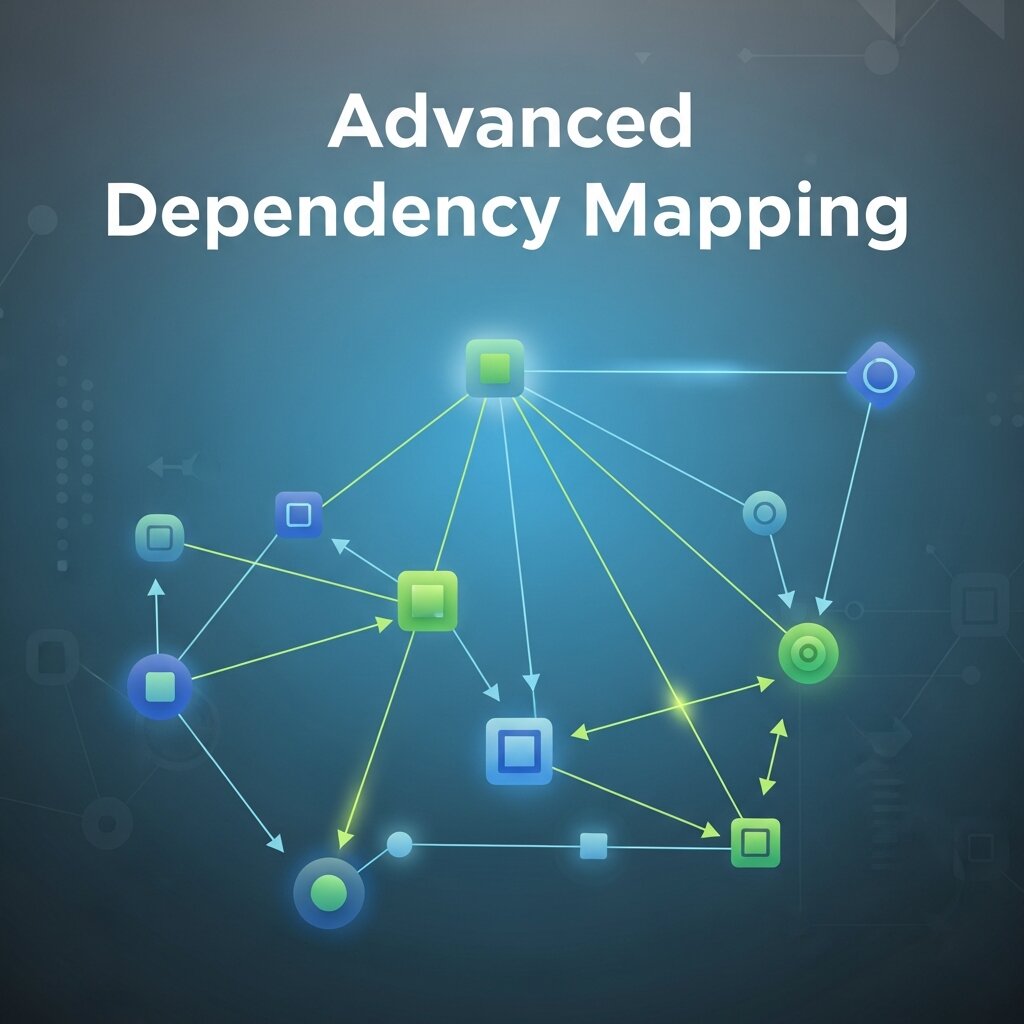 TeamGantt enables teams to move beyond basic scheduling by offering advanced dependency mapping that visually connects related tasks across an entire project timeline. This ensures that any delay in one activity automatically reflects across all dependent tasks, helping managers anticipate risks before they impact delivery. The system supports multiple dependency types, allowing flexible planning for complex workflows such as product launches or multi-phase campaigns. By identifying the critical path, project managers can focus on tasks that directly influence overall completion time, ensuring efficient prioritization of resources. This structured visibility reduces scheduling conflicts, improves coordination between departments, and strengthens project predictability. In fast-paced environments, such as agencies and product teams, this capability ensures that timelines remain realistic and adaptable even when sudden changes occur.
Real-Time Progress Tracking and Performance Insights
TeamGantt provides real-time progress tracking that helps teams monitor task completion without relying on manual updates or external reporting tools. As team members complete tasks or update statuses, the project timeline automatically reflects percentage progress across phases and milestones. This live visibility allows managers to quickly identify delays, bottlenecks, or underperforming areas before they escalate into larger issues. Visual progress indicators simplify stakeholder communication by presenting complex project data in an easy-to-understand format. Additionally, historical performance insights help teams analyze delivery patterns and improve future planning accuracy. By combining transparency with actionable data, TeamGantt enhances accountability, strengthens team alignment, and ensures that project goals remain on track throughout every stage of execution.
Conclusion
In 2026, the demand for straightforward, visual project management tools continues to grow, and TeamGantt has positioned itself as a specialist solution for timeline-driven teams. Its intuitive Gantt chart interface, resource balancing features, and seamless guest access combine to create a focused environment where planning and collaboration occur side by side. While it doesn’t replace robust enterprise suites in terms of built-in communication or deep analytics, its lightweight design reduces feature bloat and accelerates onboarding.
Whether you’re managing marketing campaigns, construction schedules, or product launches, TeamGantt delivers clarity across project phases and empowers teams to adapt quickly as priorities shift. The tiered pricing—ranging from a free plan for small projects to advanced resource capabilities for larger teams—ensures that organizations can scale without surprise costs. With integrations to leading platforms and an open API for custom automations, TeamGantt fits comfortably into existing toolchains.
If timeline visibility, ease of use, and focused collaboration are priorities for your organization in today’s digital landscape, consider giving TeamGantt a test drive with its 30-day free trial. Streamline your project planning, reduce scheduling conflicts, and bring your team together around a single, transparent timeline that evolves with your needs.
FAQs
1. What is the main focus of a TeamGantt Review?
A comprehensive TeamGantt Review focuses on the software’s ability to create visual project timelines, manage team resources, and facilitate collaboration using an intuitive drag-and-drop interface.
2. Does this TeamGantt Review recommend the software for small businesses?
Yes, this TeamGantt Review highly recommends it for small businesses because you only pay for managers, allowing unlimited collaborators to join for free on the Pro plan.
3. According to your TeamGantt Review, is it hard to learn?
No. Our TeamGantt Review found that the platform has one of the easiest learning curves in the industry, allowing new users to build charts in minutes.
4. Did this TeamGantt Review find any good time-tracking features?
Yes, this TeamGantt Review confirms that the Pro plan includes built-in time tracking, allowing you to compare estimated hours against actual time worked.
5. How does this TeamGantt Review rate the mobile app?
This TeamGantt Review notes that while the mobile app is functional for quick updates, the desktop version is far superior for building out complex project schedules.
6. Can I share timelines with clients based on this TeamGantt Review?
Absolutely. A major benefit highlighted in this TeamGantt Review is the ability to send read-only URLs to external clients without requiring them to create an account.
7. Does this TeamGantt Review cover integrations with other tools?
Yes, this TeamGantt Review found native integrations with popular apps like Slack, Trello, Dropbox, and Zapier, making it easy to fit into your existing tech stack.
8. What is the biggest drawback mentioned in this TeamGantt Review?
The biggest drawback noted in this TeamGantt Review is the lack of deep, advanced reporting features that data-heavy enterprise teams might require.
9. Based on this TeamGantt Review, how does the pricing work?
As detailed in our TeamGantt Review, you pay a flat monthly fee per manager (starting at $49/month on the Pro plan), while standard team members and collaborators are completely free.
10. Does this TeamGantt Review suggest using baselines?
Yes, this TeamGantt Review strongly suggests using the baseline feature to capture your original schedule and compare it against real-time project delays or advances.