In today’s digital landscape, effective oversight of tasks, timelines, and resources is pivotal for organizational success. This year (2026), Microsoft Project 2026 emerges as the latest enterprise-grade platform, blending advanced intelligence with familiar Microsoft tooling. With a focus on enhancing planning accuracy, boosting collaboration across distributed teams, and unlocking actionable insights, this edition promises to streamline workflows from small departments to large-scale programs.
Whether you’re a seasoned program manager overseeing hundreds of concurrent initiatives or a lean project leader coordinating a handful of tasks, Microsoft Project 2026 delivers capabilities designed to adapt to diverse workstyles. As organizations currently seek to optimize budgets, mitigate risks, and accelerate delivery cycles, this solution leverages AI-driven automation, cloud connectivity, and flexible licensing to meet evolving demands. In this comprehensive guide, we’ll explore the core architecture, scheduling innovations, integration points, pricing tiers, and real-world benefits and limitations—enabling you to determine if Microsoft Project 2026 aligns with your strategic goals.
Overview of Microsoft Project 2026
Evolving from Desktop to Cloud-First
Microsoft Project has transitioned from standalone desktop software into a robust cloud-first service that operates seamlessly within the Microsoft 365 ecosystem. Today, team members can access project plans via browser or native applications on iOS and Android, while offline edits synchronize automatically when connectivity returns. This year (2026), the underlying platform further matures with enhanced security protocols, support for Single Sign-On (SSO) via Azure AD, and compliance with major international standards.
Target Audience and Deployment Models
Designed to accommodate a spectrum of users, Microsoft Project 2026 offers flexible deployment options. Small teams may adopt the web-only interface for rapid onboarding and lightweight task tracking, whereas enterprise portfolios benefit from the Windows desktop client’s advanced capacity planning and analytics. IT administrators can provision environments through centralized tenant controls, while project managers configure permissions at the project or portfolio level to maintain governance and visibility.
Alignment with Industry Best Practices
By integrating guidance from the Project Management Institute (PMI), whose standards are detailed at https://www.pmi.org, Microsoft Project 2026 embeds proven methodologies such as Agile, Waterfall, and hybrid frameworks. Templates aligned with PMI’s PMBOK Guide help ensure consistency, and built-in checklists encourage adherence to risk, quality, and stakeholder management protocols. This alignment reduces customization overhead and accelerates internal adoption.
Key Platform Enhancements
Compared to prior releases, this version introduces an AI-driven scheduling engine, enriched visual dashboards, and deeper connectivity with Power BI for custom analytics. Resource heat maps, what-if scenario planners, and portfolio health indicators deliver actionable insights at both tactical and executive levels. As demands for data-driven decision making intensify, these capabilities position Microsoft Project 2026 as a compelling option for diverse markets.
Licensing Flexibility and Administration
Administrative controls have been streamlined to facilitate rapid rollout. Subscription plans may be managed via the Microsoft 365 Admin Center, enabling volume licensing agreements, academic discounts, and Government Community Cloud (GCC) provisions. This flexibility ensures organizations can align procurement with budget cycles and compliance requirements.
Advanced Scheduling and Analytics
AI-Powered Task Sequencing
One of the standout innovations in Microsoft Project 2026 is its AI-driven scheduler, which analyzes historical project metrics—such as task durations, past delays, and resource performance—to propose optimized sequences. Using machine learning models, the platform identifies potential bottlenecks before they occur and suggests adjustments to task dependencies and lead times. Project managers can review these recommendations, modify parameters, and apply changes instantly, boosting accuracy and reducing manual adjustments.
Dynamic Timeline Visualizations
The refined timeline interface offers interactive Gantt charts with drag-and-drop rescheduling and customizable color themes for milestones and critical paths. Multiple synchronized views allow users to filter tasks by department, priority, or risk level, helping stakeholders stay focused on relevant activities. Inline progress markers display real-time updates, while embedded annotations simplify status reporting.
Portfolio-Level Dashboards
At the executive tier, a new portfolio dashboard delivers consolidated health indicators across dozens or hundreds of projects. Visual widgets surface budget burn rates, schedule variances, and resource utilization statistics, empowering leadership to make timely, data-driven decisions. This overview aligns with governance frameworks recommended by bodies such as the National Institute of Standards and Technology (NIST), detailed at https://www.nist.gov.
Resource Modeling and What-If Scenarios
Managers can assign personnel, equipment, or materials to tasks and leverage color-coded heat maps to detect overallocations. The platform’s scenario planner enables ‘sandbox’ simulations—testing alternative staffing models, adjusting start dates, or reallocating resources—without impacting live data. This capacity fosters proactive planning and risk mitigation.
Integrated Reporting and Business Intelligence
Built-in report templates cover earned value analysis, cost variance, and milestone forecasts. Users can export data directly to Power BI to craft bespoke dashboards, embed insights in SharePoint portals, or configure automated email distributions for stakeholders. This end-to-end analytics pipeline ensures transparency and accountability across the project lifecycle.
Collaboration and Ecosystem Integration
Teams-First Communication
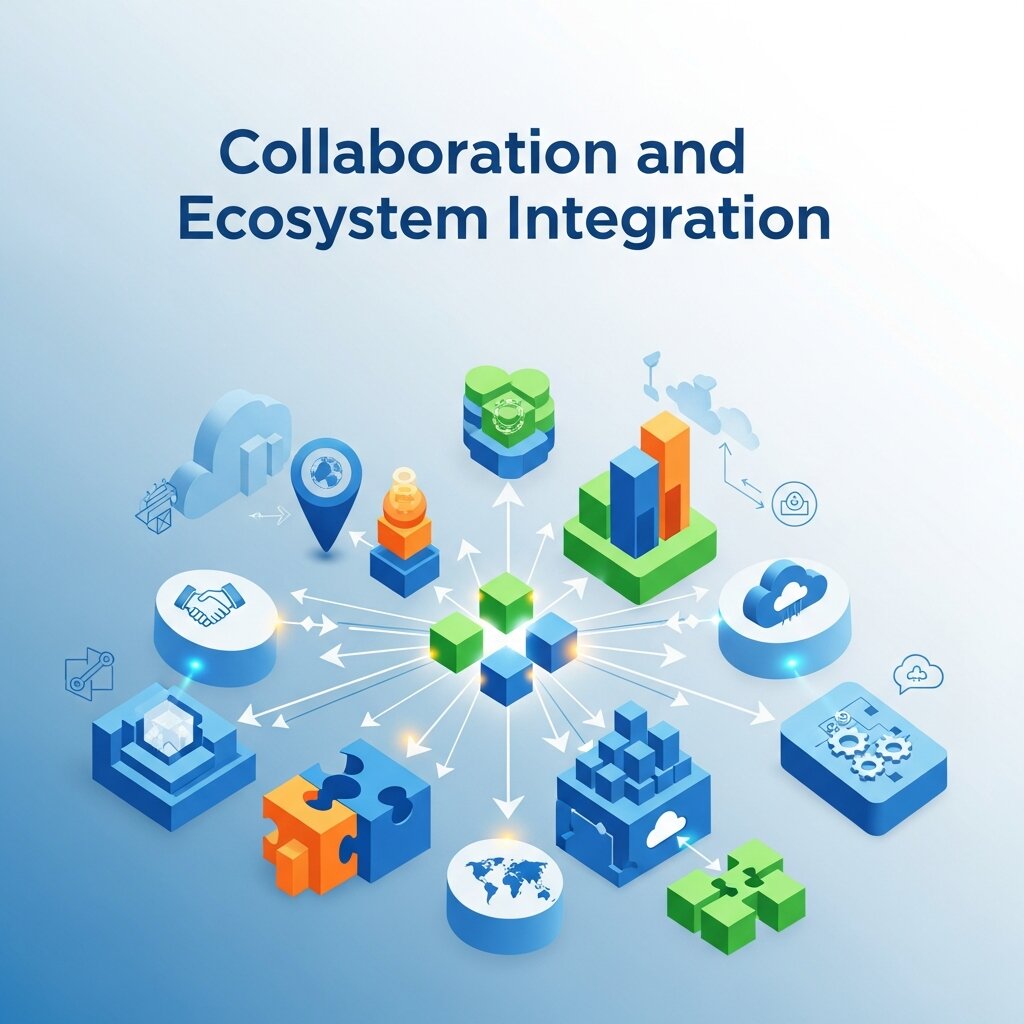
Microsoft Project 2026 embeds project plans directly within Microsoft Teams channels, enabling real-time chat updates, file sharing, and @mentions without context switching. Team members can review tasks, post status messages, and attach deliverables alongside ongoing discussions, ensuring alignment and traceability.
Document Management via SharePoint
All project artifacts—requirements documents, design specs, and status reports—can be stored in SharePoint libraries with built-in versioning. Automated metadata tagging and permissions inheritance simplify governance, while co-authoring features allow multiple contributors to work concurrently on key files.
Power BI Embedding and Analytics
Deep integration with Power BI provides advanced visualization capabilities. Preconfigured templates connect to live project datasets, offering insights into cost performance, resource allocation, and risk heat maps. Teams can embed dashboards in Teams tabs or SharePoint pages, facilitating executive reviews without leaving the Microsoft 365 environment.
Calendar and Email Synchronization
Milestones and task reminders can sync automatically with Outlook calendars, reducing missed deadlines. Email notifications are configurable by project, resource group, or severity level, ensuring that stakeholders receive only the most relevant alerts.
Extensibility through APIs and Connectors
For organizations requiring custom workflows, Microsoft Project 2026 exposes REST APIs and connectors for Power Automate. This extensibility enables integration with third-party applications—such as CRM systems, ERP platforms, or specialized reporting tools—ensuring that project data flows seamlessly throughout the enterprise.
Pricing Options and Licensing
Subscription Tiers Overview
Microsoft Project 2026 is offered under three primary subscription tiers, billed per user per month and invoiced annually:
- Project Plan 1: Provides basic task management and collaboration capabilities via the web app for $10.00/user/month.
- Project Plan 2: Includes the Windows desktop client, timesheet entries, and resource management tools at $30.00/user/month.
- Project Plan 3: Unlocks portfolio optimization, demand management, and AI guidance features for $55.00/user/month.
Volume Licensing and Academic Discounts
Enterprises seeking volume licensing can leverage Microsoft’s Enterprise Agreement or Microsoft Products and Services Agreement to secure tiered pricing. Educational institutions and nonprofit organizations may qualify for discounted rates through the Microsoft Education Store or nonprofit programs, reducing overall cost per user.
Cost of Ownership Considerations
When evaluating total cost of ownership (TCO), organizations should account for subscriptions, training, customization, and support. While higher tiers deliver advanced analytics and AI features, smaller teams with basic needs might find Project Plan 1 sufficient. Organizations currently using Microsoft 365 may realize additional savings through bundle pricing and existing agreements.
Free Trial and Pilot Programs
Microsoft offers a 30-day free trial for all Project 2026 plans. This pilot period enables teams to assess integration with existing processes, gauge user adoption, and validate ROI before committing to an annual subscription.
Governance and Compliance
Government entities and regulated industries can opt for Government Community Cloud (GCC) or GCC High deployments, ensuring compliance with standards such as FedRAMP and HIPAA. These specialized environments provide additional security controls and more granular data residency options.
Benefits and Limitations
Key Advantages
- Comprehensive Feature Set: From AI scheduling to portfolio dashboards, Microsoft Project 2026 covers the full spectrum of project management requirements.
- Seamless Integration: Native connectivity with Microsoft 365 tools—Teams, SharePoint, Power BI, and Outlook—delivers a unified user experience.
- Scalable Architecture: Suitable for small teams up to global enterprises, with cloud and desktop deployment options.
- AI and Automation: Smart suggestions minimize manual planning effort and proactively highlight risks.
- Extensive Support: Access to Microsoft’s global documentation, community forums, and partner network ensures timely assistance.
Primary Drawbacks
- Pricing: Higher subscription costs may be prohibitive for small organizations or simple projects.
- Steep Learning Curve: Advanced features and a rich interface can overwhelm non-technical users.
- Desktop Dependency: Some capabilities remain exclusive to the Windows client, limiting offline access for Mac users.
- Overkill for Basic Tasks: Teams requiring only simple task lists might prefer lighter, more affordable tools like Asana or ClickUp.
Comparative Alternatives
When evaluating the competitive landscape, lightweight platforms such as Asana excel in user-friendliness, while tools like Smartsheet offer familiar spreadsheet interfaces. However, these alternatives often lack the depth of resource modeling, portfolio management, and enterprise governance found in Microsoft Project 2026.
Security, Data Protection, and Compliance Capabilities
Security remains a top priority in modern project management platforms, and Microsoft Project 2026 delivers robust safeguards to protect sensitive organizational data. Built on the Microsoft 365 infrastructure, it incorporates enterprise-grade encryption for data both at rest and in transit. Role-based access controls allow administrators to define permissions at granular levels, ensuring that only authorized users can view or modify critical project information. Integration with Azure Active Directory enables secure authentication methods such as multi-factor authentication (MFA) and Single Sign-On (SSO). Additionally, compliance with global standards—including ISO certifications and regional data regulations—ensures organizations meet legal requirements. Audit logs and activity tracking further enhance transparency, allowing teams to monitor changes and detect anomalies proactively within complex project environments.
User Experience and Interface Design Improvements
 Microsoft Project 2026 introduces a more intuitive and streamlined user interface designed to improve usability across skill levels. The updated dashboard layout prioritizes clarity, presenting key project metrics, deadlines, and resource allocations in a visually digestible format. Drag-and-drop functionality simplifies task management, while customizable views enable users to tailor their workspace according to preferences. Contextual menus and guided prompts assist new users in navigating advanced features without extensive training. Accessibility enhancements, including keyboard navigation support and screen reader compatibility, ensure inclusivity for diverse users. These improvements reduce onboarding time and minimize user frustration, allowing teams to focus more on strategic planning and execution rather than learning complex software mechanics in their daily workflows.
Real-World Use Cases and Industry Applications
Microsoft Project 2026 proves highly versatile across various industries, adapting to unique operational requirements. In construction, project managers utilize it to coordinate timelines, allocate labor, and monitor material usage efficiently. IT teams leverage its agile planning tools to manage software development cycles, track bugs, and deliver updates on schedule. Healthcare organizations apply it to oversee infrastructure projects, compliance initiatives, and resource planning. Marketing teams use it to organize campaigns, manage deadlines, and collaborate across departments. Its ability to integrate with enterprise systems makes it especially valuable for large-scale operations requiring centralized visibility. By supporting diverse workflows and industry-specific needs, Microsoft Project 2026 demonstrates its capability as a comprehensive solution for modern project management challenges.
FAQ
What is Microsoft Project 2026 used for?
Microsoft Project 2026 is a project management tool used to plan, schedule, track, and manage resources, timelines, and budgets across projects of all sizes.
Is Microsoft Project 2026 cloud-based or desktop software?
It is primarily cloud-based but also offers a Windows desktop client with advanced features, allowing both online access and offline editing with synchronization.
What are the main features of Microsoft Project 2026?
Key features include AI-powered scheduling, Gantt charts, resource management, portfolio dashboards, real-time collaboration, and integration with Microsoft 365 tools like Teams and Power BI.
How much does Microsoft Project 2026 cost?
Pricing starts at $10/user/month for basic plans and goes up to $55/user/month for advanced features, depending on the subscription tier and capabilities required.
Who should use Microsoft Project 2026?
It is ideal for project managers, enterprises, and organizations needing advanced planning, resource tracking, and analytics across multiple projects and teams.
Conclusion
Microsoft Project 2026 represents a significant step forward for organizations seeking an all-in-one project and portfolio management solution. By combining AI-driven scheduling, dynamic analytics, and seamless integration across Microsoft 365, it addresses the growing need for data-informed decision making in today’s fast-paced environment. While the platform’s advanced capabilities and licensing costs may exceed the requirements of small teams, enterprises and mid-sized companies are likely to appreciate the scalability, security, and extensibility it delivers.
Ultimately, the choice hinges on your organization’s complexity, budget, and strategic alignment with Microsoft technologies. Consider leveraging the 30-day free trial to validate functionality, assess user adoption, and measure ROI before committing to a subscription. With its robust feature set and continuous enhancements in this year (2026), Microsoft Project 2026 remains a formidable contender in the project management space.
Raed more about this topic: ProofHub Review 2026: Pricing Features Pros & Cons