
In today’s fast-paced business environment, selecting the right project management software is crucial for teams seeking to enhance productivity, streamline collaboration, and deliver projects on time and within budget. With a multitude of options available in this year (2026), organizations must evaluate platforms that align with their workflows, integrate with existing tools, and offer robust features such as task tracking, reporting dashboards, and secure data handling.
Drawing on insights from leading research institutions and best practices published by the Project Management Institute (PMI) and guidelines from the National Institute of Standards and Technology (NIST), this comprehensive guide examines the top contenders in the market. We discuss essential evaluation criteria, provide detailed analyses of Asana, ClickUp, and Teamwork Projects, and compare their pricing models and use case suitability. By the end of this article, you will be equipped to make an informed decision and select the project management software that meets your organization’s unique needs in today’s digital landscape.
Key Evaluation Criteria for Top Project Management Software
Choosing the ideal project management software requires a methodical approach that balances feature sets, user experience, integration capabilities, and cost considerations. In today’s dynamic marketplace, software must do more than simply track tasks—it needs to foster collaboration, provide actionable insights, and adapt to evolving business processes. Below are the core principles organizations should consider when assessing solutions this year (2026):
Core Features and Functionality
At the heart of any project management system lies its ability to handle essential tasks such as creating and assigning tasks, setting milestones, managing dependencies, and visualizing timelines. Look for intuitive interfaces that allow quick creation of workflows and customizable boards or Gantt charts for tracking progress. Advanced reporting tools can deliver real-time analytics, helping teams identify bottlenecks and measure performance against key performance indicators (KPIs).
User Experience and Collaboration
Adoption rates often hinge on how quickly users can learn and feel comfortable with a platform. Evaluate onboarding processes, availability of in-app tutorials, and overall interface design. Collaboration features such as built-in chat, comment threads, file sharing, and @mentions foster real-time communication and minimize reliance on external messaging apps.
Integration and Automation Capabilities
In today’s interconnected tool ecosystem, rich integration options are essential. Leading platforms offer pre-built connections to communication tools like Slack, video conferencing services such as Zoom, cloud storage providers, and developer tools via APIs or marketplace add-ons. Automation features—ranging from simple rule-based triggers to AI-driven suggestions—can drastically reduce manual effort and ensure consistency in repetitive tasks.
Security, Support, and Scalability
Ensure the chosen solution adheres to industry-standard security protocols, including data encryption at rest and in transit, single sign-on (SSO), and regular security audits. Access to prompt customer support—via live chat, email, or phone—can be crucial for resolving issues quickly. Lastly, verify that pricing tiers and architecture can accommodate organizational growth, from small teams to enterprise-scale deployments without sacrificing performance.
In-Depth Review: Asana
 Asana has established itself as a frontrunner in the project management software arena this year (2026), offering teams a highly intuitive interface coupled with powerful automation and reporting capabilities. Its strength lies in a balance between simplicity for new users and depth for experienced project managers. The platform’s timeline view allows stakeholders to see the full scope of project schedules, while custom rules enable the automation of routine actions such as task assignments and status updates.
The latest enhancements in Asana focus on artificial intelligence. AI-powered task suggestions analyze project patterns to recommend optimal task assignments, due dates, and priority levels. This feature helps teams maintain momentum and reduces planning overhead. Collaboration is seamless with @mentions, integrated calendars, and real-time notifications that keep everyone aligned. Asana also integrates natively with leading tools such as Slack, Zoom, and Adobe Creative Cloud, streamlining workflows across different departments.
Reporting within Asana combines visual dashboards and downloadable PDF summaries, making it easy to present progress to stakeholders. Security remains robust, featuring enterprise-grade encryption, SSO, and customizable admin controls to manage permissions. Asana offers a Free tier for small teams and tiered paid plans starting at $10.99 per user per month when billed annually, ensuring organizations of all sizes can access advanced features without breaking the budget.
Comprehensive Analysis: ClickUp
ClickUp positions itself as an all-in-one workplace hub, merging project management, document collaboration, time tracking, and chat functionalities into one platform. For teams seeking extensive customization, ClickUp delivers customizable views—including List, Board, and Box layouts—and a flexible hierarchy system supporting Spaces, Folders, and Lists. The platform’s AI suite can summarize lengthy documents, draft templates, and even suggest task priorities based on historical data.
This year (2026), ClickUp’s built-in time tracking eliminates the need for third-party timers, enabling teams to capture billable hours and generate detailed timesheets instantly. Integration capabilities are comprehensive, with over 1,000 third-party connections ranging from GitHub and Google Workspace to customer support tools like Zendesk. Templates and automation recipes streamline onboarding and repetitive project tasks, reducing manual effort and ensuring consistency.
ClickUp’s Free Forever plan remains one of the most generous in the market, including up to 100MB of storage per workspace and access to most core features. Paid tiers begin at $9 per user per month (annual billing), unlocking advanced features such as goals tracking, custom permissions, and priority support. With a thriving community and extensive documentation, ClickUp supports teams through every stage of maturity.
Detailed Look: Teamwork Projects
Tailored for agencies and client-facing teams, Teamwork Projects offers specialized features for billing, invoicing, and client collaboration. In this year (2026), enhancements to its financial module allow seamless conversion of time entries into invoices, automated reminders for overdue payments, and customizable invoice templates. These tools streamline billing workflows and improve cash flow visibility.
On the project management side, Teamwork provides multiple views—List, Board, Gantt, and Calendar—and a Chrome extension for quick time tracking directly within any web page. Deep analytics dashboards showcase profitability, resource utilization, and project health metrics, empowering managers to make data-driven decisions. Client users can be added with restricted access, ensuring transparency without compromising sensitive internal information.
Security features include two-factor authentication (2FA), data export capabilities, and compliance with GDPR standards. Pricing starts with a Free plan for up to five users, while paid subscriptions begin at $10 per user per month (annual plan). The Premium tier bundles advanced reporting, workload management, and priority support, making Teamwork Projects a compelling choice for professional services firms and creative agencies.
Comparative Insights and Pricing Strategies
Evaluating project management software goes beyond feature lists; it also involves comparing pricing models, support levels, and ideal use cases. Below is a summary to guide budgets and expectations:
Free and Entry-Level Plans
All three platforms—Asana, ClickUp, and Teamwork Projects—offer robust free plans suitable for small teams and trial purposes. Asana’s Free tier caters to teams of up to 15 users with basic dashboards, while ClickUp’s Free Forever plan provides generous feature access but limits storage. Teamwork Projects grants essential task management and invoicing for up to five team members.
Mid-Tier and Advanced Features
For organizations requiring advanced analytics, automation, and security, paid plans unlock premium functionalities. Asana’s Premium and Business tiers start at $10.99 and $24.99 per user per month, respectively, when billed annually. ClickUp’s Business plan, at $19 per user per month, adds features like advanced time tracking and proofing. Teamwork Projects’ Premium tier at $10 per user per month includes detailed reporting and custom export options.
Enterprise-Scale Considerations
Enterprises seeking dedicated support, custom onboarding, and advanced compliance features can negotiate enterprise agreements with each vendor. Enterprise plans typically encompass SSO integration, custom API limits, and service-level agreements (SLAs). Prospective buyers should request demos, trial accounts, and reference checks to validate performance and reliability at scale.
Choosing the Best Fit
Decision-makers should map each platform’s strengths against project complexity, team size, and budget constraints. Small teams might prioritize ease of use and cost-effectiveness, while larger organizations will focus on scalability and secure compliance. Agencies and service firms may lean toward Teamwork Projects for its billing features, whereas tech-savvy teams seeking extensive customization might prefer ClickUp. Asana often strikes a balance, offering intuitive design with enterprise-grade capabilities.
AI and Automation Trends in Project Management Software
 Artificial intelligence is rapidly transforming modern project management platforms in this year (2026). Tools like Asana and ClickUp now include AI-powered task prioritization, workflow recommendations, automated summaries, and predictive analytics. These intelligent features reduce manual work, improve project forecasting, and help managers identify delays before they impact deadlines. Automation capabilities also streamline repetitive processes such as assigning tasks, updating statuses, and sending reminders. As businesses increasingly adopt digital workflows, AI-driven project management software is becoming essential for improving productivity, reducing operational inefficiencies, and enabling teams to focus on strategic decision-making instead of routine administrative tasks.
Benefits of Cloud-Based Project Management Platforms
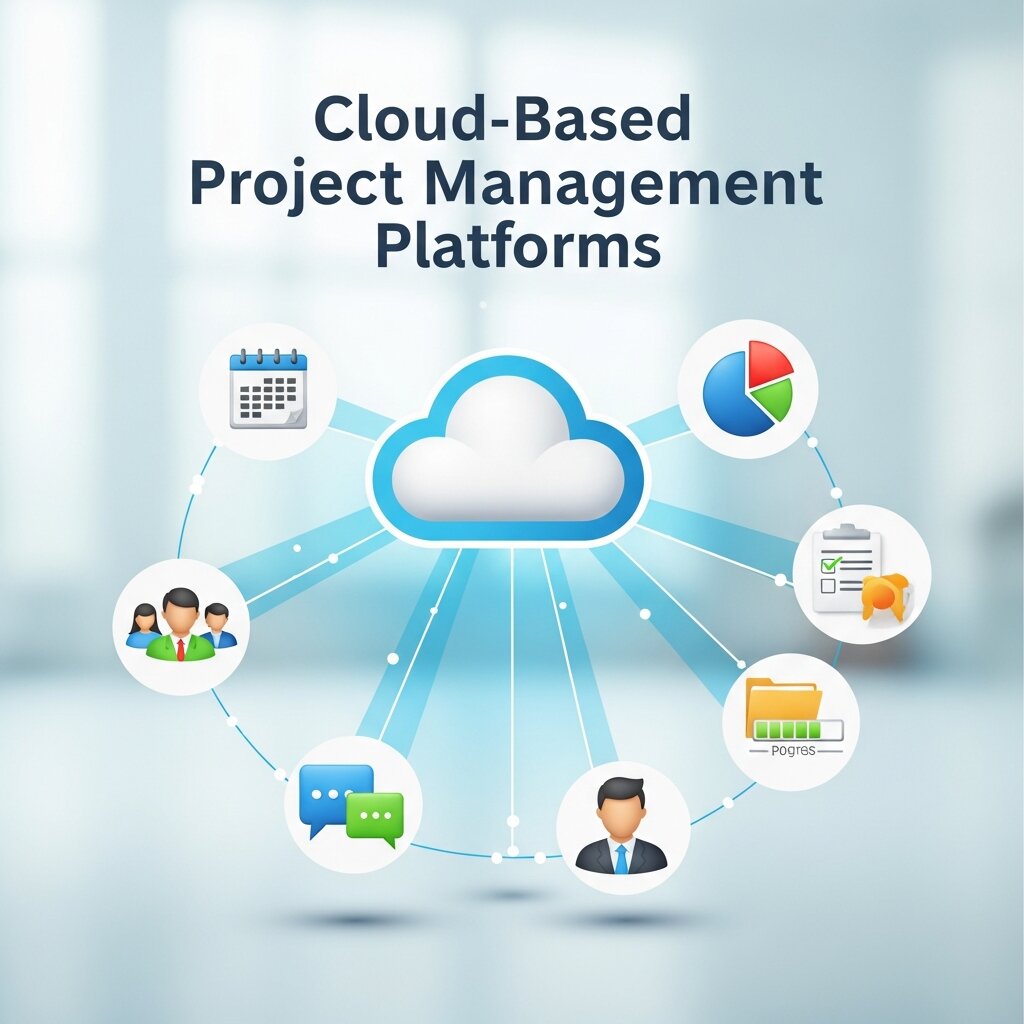 Cloud-based project management software provides organizations with greater flexibility, accessibility, and scalability compared to traditional on-premise systems. Teams can access project data, files, and communication tools securely from any location using internet-connected devices. This flexibility supports remote and hybrid work environments while improving collaboration between departments and global teams. Platforms such as Asana, ClickUp, and Teamwork Projects also offer automatic updates, cloud backups, and simplified maintenance, reducing the burden on internal IT departments. Additionally, cloud-based solutions enable faster deployment, lower upfront infrastructure costs, and seamless scaling as businesses expand their operational requirements and workforce size.
Common Mistakes to Avoid When Choosing Project Management Software
Many organizations select project management software without properly evaluating their long-term operational requirements, resulting in poor adoption and workflow inefficiencies. One common mistake is prioritizing low pricing over essential functionality, which may limit scalability as teams grow. Another issue involves ignoring integration compatibility with existing communication, CRM, or accounting tools. Businesses should also avoid selecting overly complex systems that employees struggle to learn and use effectively. Insufficient security evaluation can expose sensitive project data to unnecessary risks. Before making a final decision, organizations should test multiple platforms, involve key stakeholders, review scalability options, and ensure the software aligns with both current workflows and future business growth objectives.
Frequently Asked Questions
What is the best project management software for small businesses?
Asana works well for simple collaboration and task management, while ClickUp offers deeper customization and automation. Teamwork Projects is ideal for agencies needing invoicing, time tracking, and client management tools within one platform.
Which project management platform is best for remote teams?
Asana and ClickUp are excellent for remote teams because they support cloud access, real-time collaboration, notifications, file sharing, and integrations with communication tools. These features help distributed employees stay connected, organized, and productive from any location worldwide.
How important are integrations in project management software?
Integrations help organizations connect project management software with communication apps, cloud storage platforms, CRM systems, and developer tools. Strong integrations reduce repetitive manual work, centralize workflows, improve team efficiency, and ensure smooth data sharing across departments, ultimately increasing operational productivity and collaboration effectiveness.
Is free project management software enough for growing teams?
Free project management software is suitable for startups and small teams handling simple workflows. However, growing businesses often require advanced reporting, automation, security controls, workload management, and larger storage limits. Premium plans provide scalability and better support for increasingly complex organizational project requirements.
What security features should organizations look for in project management software?
Organizations should prioritize features such as data encryption, role-based access controls, two-factor authentication, single sign-on, audit logs, and regulatory compliance support. These security capabilities protect sensitive business information, prevent unauthorized access, and ensure safe collaboration across teams, departments, and external stakeholders.
Conclusion
In today’s digital landscape, selecting the right project management software is a strategic investment that can drive efficiency, collaboration, and profitability. By carefully evaluating core functionality, user experience, integration options, and security provisions, organizations can select a platform that aligns with their workflows and growth plans. Whether you choose Asana for its intuitive automation, ClickUp for its all-in-one customizability, or Teamwork Projects for its client-centric billing tools, each solution brings unique benefits to the table.
Use this guide as a roadmap for comparing offerings, trialing options, and ultimately implementing a system that will support your team’s success throughout this year (2026). A well-chosen project management tool not only streamlines day-to-day operations but also provides the visibility and insights necessary to achieve strategic objectives and adapt to evolving business demands.