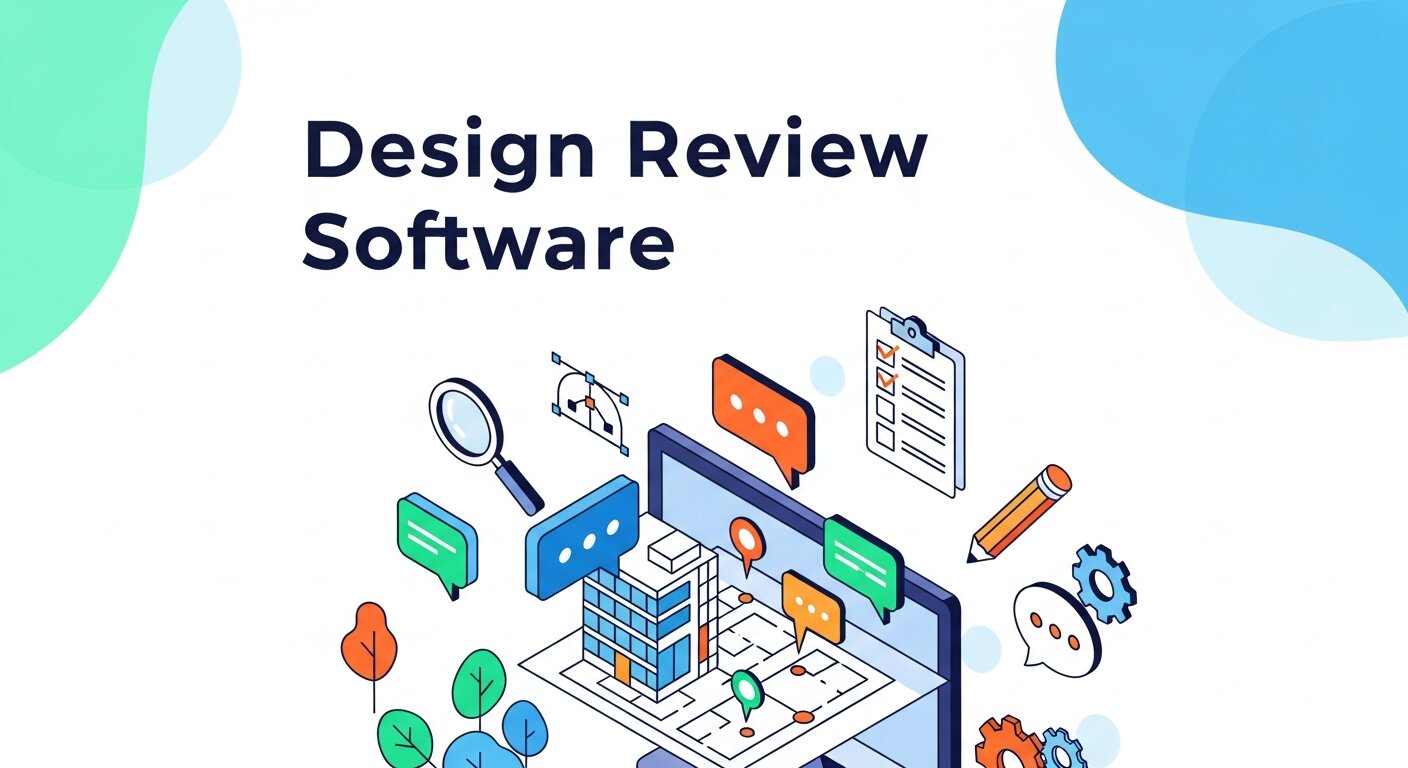
Creative projects often start with a clear vision, but the path to the final product can quickly become chaotic. A designer finishes a draft and sends it to the team. Soon, feedback pours in through email chains, instant messages, and shared document comments. Keeping track of who said what, and which version is the most current, becomes a full-time job. This scattered approach causes frustrating delays and missed deadlines.
Design review software offers a direct solution to this common problem. By centralizing the feedback process, these platforms eliminate the need to hunt down rogue comments across multiple communication channels. Everyone involved in the project can view the asset, leave precise annotations, and see others’ feedback in real time. This single source of truth brings immediate clarity to complex projects.
Upgrading your workflow with the right tools does more than just organize your files. It fundamentally changes how your team communicates. Approval cycles shrink from weeks to days. Miscommunications drop significantly. In this guide, we will explore how adopting a dedicated platform transforms your creative process, saving your team valuable time and energy.
What is Design Review Software?
Design review software is a specialized platform built to handle the review and approval stages of creative work. Instead of attaching large files to emails, you upload your designs—such as images, videos, or PDFs—directly to a secure workspace. Stakeholders can then view the files and leave specific, actionable comments right on the design itself.
Moving Beyond Traditional Methods
Before these specialized tools existed, teams relied on a patchwork of generic applications. You might have used one program to create the design, another to share the file, and a third to discuss the changes. This disjointed method naturally leads to confusion. An online review management software brings all these functions under one roof. It creates a unified environment specifically tailored for visual collaboration.
Key Features of Online Review Management Software
 Understanding the core capabilities of these platforms helps clarify why they are so effective. The best tools share several essential features designed to make collaboration effortless.
Centralized Feedback Loops
The most significant advantage is the centralized feedback loop. When a reviewer spots an element they want changed, they can drop a pin exactly on that spot and type their comment. Other stakeholders can reply directly to that comment, creating a focused thread. This eliminates the ambiguity of vague feedback like, “make the logo bigger,” because the comment is tied directly to the relevant part of the design.
Robust Version Control
File naming conventions like “Final_v2_ReallyFinal” are a running joke in the creative industry for a reason. Keeping track of the most current file is incredibly frustrating. Review management software handles version control automatically. When you upload a new draft, the system stacks it on top of the old one. Reviewers can easily toggle between versions to verify that their feedback was implemented correctly, all without cluttering their local hard drives.
Automated Notifications and Reminders
Chasing down stakeholders for their approval is tedious. These platforms automate the follow-up process. When a design is ready for review, the system automatically alerts the necessary team members. If a deadline approaches and someone hasn’t given their input, the software sends a gentle reminder. This keeps the project moving forward without requiring a project manager to constantly nudge people.
How Review Management Software Boosts Productivity
Implementing a new tool requires an adjustment period, but the productivity gains quickly outweigh the learning curve. Teams that adopt these platforms consistently report smoother operations and less stress.
Faster Approval Cycles
By removing the friction from the feedback process, approvals happen much faster. Reviewers do not need to download files, open them in specialized viewing programs, or write long emails explaining their thoughts. They simply click a link, view the design in their browser, and click to leave comments. This ease of use encourages quicker responses.
Better Cross-Functional Collaboration
Creative projects rarely involve just one department. You often need input from marketing, legal, sales, and external clients. Design review software levels the playing field. Anyone with a web browser can participate, regardless of their technical expertise. This accessibility ensures that all necessary voices are heard early in the process, preventing costly revisions later on.
Bridging the Gap: Code Review Software and Design Tools
The principles that make visual feedback tools so effective also apply to software development. Just as designers need a structured way to review visual assets, developers use code review software to scrutinize lines of code before they go live.
Interestingly, the workflows are highly similar. Both involve submitting a draft, allowing peers to leave specific annotations, discussing the feedback, and finally approving the work. When digital teams align their online review management software for design with their code review software for development, the entire organization benefits from a standardized, predictable approval culture.
Best Practices for Implementing Your New Tool
Getting the most out of your new software requires more than just buying a subscription. You need a strategy for rolling it out to your team.
Establish Clear Guidelines
Set rules for how the software should be used. Determine who has the authority to give final approval. Decide exactly what kind of feedback belongs in the software versus what requires a quick video call. Clear guidelines prevent the platform from becoming just another messy communication channel.
Train Your Stakeholders
Do not assume that external clients or non-technical team members will immediately know how to use the system. Provide a brief onboarding session or a simple instruction sheet. Show them how to use the annotation tools and how to mark their review as complete.
Integrate with Existing Workflows
To maximize efficiency, connect your review platform to the tools your team already uses. Most top-tier platforms integrate seamlessly with project management tools, instant messaging apps, and cloud storage providers. This interconnected ecosystem reduces context switching and keeps information flowing smoothly.
Why Remote Teams Depend on Design Review Software
Remote work has transformed how creative teams collaborate across different locations and time zones. Without a centralized system, communication gaps and delayed feedback can quickly disrupt project timelines. Design review software helps remote teams stay connected by providing a shared workspace where everyone can review files, leave comments, and approve revisions in real time. Team members no longer need to rely on lengthy email threads or scattered chat messages to communicate design changes. This streamlined collaboration process improves transparency and keeps projects moving forward efficiently. Remote teams also benefit from cloud-based access, allowing designers, managers, and clients to participate from anywhere. As businesses continue embracing remote workflows, design review platforms have become essential tools for maintaining productivity and collaboration consistency.
The Role of Real-Time Collaboration in Creative Projects
 Real-time collaboration significantly improves the speed and accuracy of creative workflows. Instead of waiting hours or days for responses, team members can discuss revisions instantly within the review platform. Designers can respond to comments immediately, clarify misunderstandings, and implement changes while feedback is still fresh. This direct interaction reduces confusion and prevents repetitive revisions caused by delayed communication. Real-time collaboration also encourages stronger teamwork because everyone remains actively involved throughout the creative process. Stakeholders can monitor updates live, ensuring the project stays aligned with expectations and deadlines. By enabling faster communication and more efficient problem-solving, design review software helps teams maintain momentum and deliver higher-quality creative projects within shorter production cycles.
Reducing Human Errors Through Organized Feedback Systems
Human error becomes increasingly common when feedback is spread across multiple communication channels. Important comments may get overlooked, outdated versions can accidentally be approved, and conflicting instructions may confuse designers. Design review software minimizes these risks by organizing every comment, revision, and approval within one centralized platform. Structured feedback systems make it easier for teams to prioritize changes and verify completed revisions before final approval. Automatic version tracking also reduces the likelihood of using incorrect files during production. Organized review environments improve accountability because every action and comment is documented clearly within the system. By reducing confusion and preventing avoidable mistakes, these platforms help creative teams maintain higher accuracy and stronger project consistency.
Improving Client Communication and Satisfaction
Client communication plays a major role in the success of creative projects. Misunderstandings during the review process often lead to frustration, delays, and additional revision requests. Design review software improves client experiences by making feedback simple, visual, and transparent. Clients can comment directly on specific elements instead of trying to explain changes through lengthy emails. This precision reduces communication barriers and helps designers understand expectations more clearly. Clients also appreciate being able to monitor progress and review updates in real time without requesting constant status reports. Better communication leads to smoother approvals, stronger professional relationships, and higher customer satisfaction. Businesses that prioritize organized collaboration often build greater trust and secure more long-term creative partnerships with their clients.
How Automation Simplifies Creative Workflow Management
 Automation has become an essential feature of modern design review software because it removes repetitive administrative tasks from the creative process. Automated notifications remind stakeholders when feedback is required, while approval workflows ensure projects move through each stage efficiently. Teams no longer need to manually track deadlines or send constant follow-up messages to reviewers. Automation also improves consistency by standardizing review procedures across multiple projects and departments. Some platforms even generate progress reports automatically, helping managers monitor productivity and identify workflow bottlenecks quickly. By reducing manual coordination efforts, creative professionals can spend more time focusing on design quality and innovation. Automated workflow management ultimately improves efficiency, accelerates project delivery, and reduces unnecessary operational stress for creative teams.
The Importance of Scalability in Review Management Software
As businesses grow, their creative processes often become more complex. Small teams may initially manage projects through basic communication tools, but larger organizations require more advanced systems to handle increasing workloads. Scalable design review software adapts to these changing demands by supporting larger teams, more files, and complex approval structures without sacrificing performance. Growing businesses benefit from customizable workflows, advanced user permissions, and expanded cloud storage capabilities. Scalable platforms also support collaboration across multiple departments and external partners simultaneously. Investing in flexible software early helps companies avoid costly migrations or workflow disruptions later. Businesses that choose scalable review management solutions position themselves for long-term operational efficiency and sustainable creative growth.
Future Trends in Design Review and Collaboration Technology
The future of design review software continues evolving alongside advancements in digital collaboration technology. Artificial intelligence is beginning to automate repetitive review tasks, identify inconsistencies, and suggest design improvements based on user behavior data. Virtual reality and augmented reality tools are also expanding collaborative possibilities by allowing teams to review immersive 3D environments interactively. Cloud technology continues improving remote accessibility, making global collaboration faster and more reliable than ever before. Integration with project management and communication platforms is becoming more seamless, creating fully connected creative ecosystems. As technology advances, design review software will likely become even more intelligent, interactive, and personalized. Businesses that adopt modern collaboration tools early will remain more competitive and adaptable in rapidly changing creative industries.
Frequently Asked Questions (FAQ)
What is design review software used for?
Design review software helps teams review, comment on, and approve creative assets in one centralized platform. It simplifies collaboration by allowing users to leave annotations directly on designs, videos, documents, or prototypes. This reduces confusion, speeds up approvals, and improves communication between designers, clients, and stakeholders.
How does online review management software improve workflow efficiency?
Online review management software eliminates scattered feedback from emails and chat apps by organizing all comments in one place. Teams can track revisions, compare versions, and monitor approval progress in real time. This streamlined process reduces delays, minimizes misunderstandings, and allows projects to move forward more quickly and efficiently.
Can external clients use design review software without technical knowledge?
Yes, most modern platforms are designed for ease of use. External clients can usually access files through a secure browser link without installing software or creating complicated accounts. Simple annotation tools and intuitive interfaces make it easy for non-technical users to review designs and provide clear feedback.
What types of creative files can be reviewed on these platforms?
Most design review software supports a wide range of file formats, including images, videos, PDFs, website mockups, presentations, and interactive prototypes. Some advanced tools also support 3D designs and animation previews, making them suitable for multiple creative industries and workflows.
Is design review software secure for business projects?
Reputable platforms use strong security measures such as encrypted file storage, password-protected links, user permissions, and secure cloud hosting. These features help protect confidential creative assets and ensure that only authorized team members and clients can access project files and feedback discussions.
Take Control of Your Design Process
Managing creative feedback does not have to be a source of stress. By moving away from scattered emails and adopting a dedicated platform, you bring order to the chaos. Design review software empowers your team to collaborate clearly, track changes effortlessly, and secure approvals quickly.
If you are tired of losing track of versions and chasing down stakeholders, it is time to make a change. Evaluate your current workflow, identify the bottlenecks, and start exploring the review platforms available today. Taking this step will help your team focus on what they do best: creating exceptional work.