Project management can make or break a company’s ability to deliver work on time and on budget. For decades, Microsoft Project has been a heavyweight in this space, helping teams plan schedules, allocate resources, and track progress across complex initiatives. But the software landscape has changed dramatically, and modern teams now expect more flexibility, smarter analytics, and tighter integration with the tools they already use.
So how does Microsoft Project hold up for business and enterprise users today? This review breaks down its core features, pricing, strengths, and weaknesses. We’ll also look at how its reporting capabilities tie into broader trends around data science for business, and where it fits alongside other review and collaboration tools. By the end, you’ll have a clear sense of whether Microsoft Project deserves a spot in your tech stack.
What Is Microsoft Project?
 Microsoft Project is a project management application developed by Microsoft. First released in 1984, it has grown into one of the most recognized tools for planning and controlling projects of all sizes. The software helps project managers build schedules, assign tasks, manage budgets, and monitor progress against a baseline.
Today, Microsoft Project comes in both cloud-based and on-premises versions. The cloud subscriptions—Project Plan 1, Project Plan 3, and Project Plan 5—integrate with Microsoft 365, while the on-premises options suit organizations with strict data residency or security requirements. For enterprise users, Project pairs with Project Online and Project for the web, giving teams browser-based access without heavy installations.
Core Features for Business and Enterprise Users
Microsoft Project packs a deep feature set, which is part of why it remains popular with larger organizations. Here are the capabilities that matter most for business teams.
Scheduling and Gantt Charts
The Gantt chart sits at the heart of Microsoft Project. You can map out tasks, set dependencies, and visualize timelines with precision. The tool automatically recalculates schedules when a task slips, so downstream deadlines update without manual rework. For project managers juggling hundreds of moving parts, this automated logic is a genuine time-saver.
Resource Management
Allocating people, equipment, and budgets is where Microsoft Project shines for enterprise users. You can assign resources to tasks, track availability, and spot overallocation before it derails a project. Resource leveling helps balance workloads across teams, which matters when the same specialists are shared across multiple initiatives.
Reporting and Analytics
Microsoft Project includes built-in dashboards and customizable reports covering cost, progress, and resource use. These reports connect easily with Power BI, allowing teams to build richer visualizations and apply data science for business decisions. Rather than relying on gut feel, managers can analyze historical project data to forecast timelines, predict budget overruns, and identify bottlenecks before they happen.
This analytical angle is increasingly important. As more companies invest in data-driven decision-making, the ability to export clean project data into analytics platforms becomes a real advantage. Microsoft Project’s tight link with the Microsoft data ecosystem—Power BI, Excel, and Azure—gives it an edge here.
Collaboration and Integration
Project integrates with Microsoft Teams, SharePoint, and the wider Microsoft 365 suite. Team members can update task status, share files, and communicate without leaving their usual tools. For organizations already standardized on Microsoft, this connectivity reduces friction and keeps everyone working from a single source of truth.
How Microsoft Project Supports Data-Driven Decisions
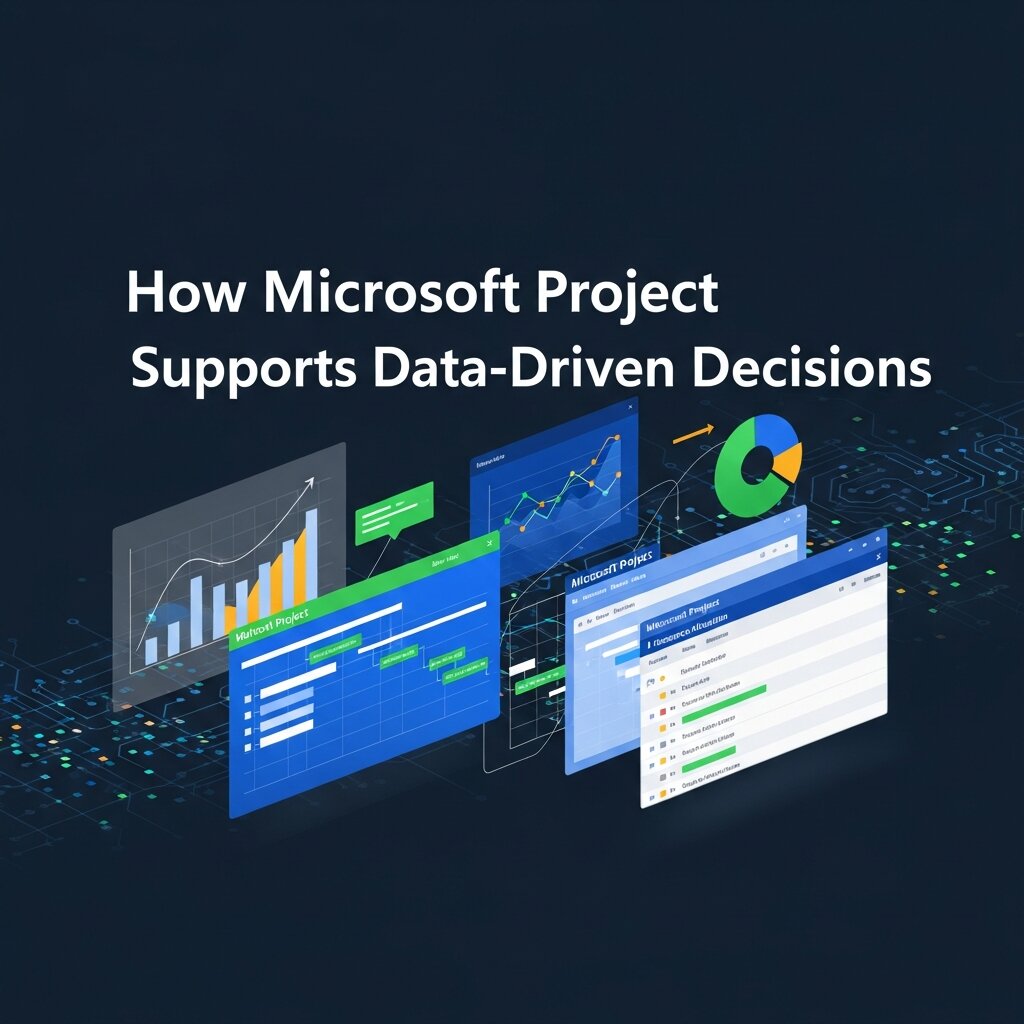 One reason large organizations stick with Microsoft Project is its capacity to turn raw project activity into actionable insight. Every task update, time entry, and cost record becomes a data point. When you funnel those records into Power BI or Excel, you unlock analysis that goes well beyond a static status report.
Consider a portfolio manager overseeing twenty active projects. By applying data science for business techniques to historical Project data, that manager can identify which project types consistently run over budget, which teams deliver fastest, and where resource conflicts repeatedly occur. These insights drive smarter planning and better forecasting in future cycles.
This is also where Microsoft Project distinguishes itself from lighter task-management tools. While apps like Trello or Asana excel at simple workflows, they lack the depth of structured data and reporting that enterprise analysts need. For data-heavy organizations, that difference is significant.
Microsoft Project Pricing
Pricing is a major consideration for any business tool, and Microsoft Project offers tiered plans to suit different needs:
- Project Plan 1: Aimed at smaller teams and individual users who need basic scheduling, grid, board, and timeline views.
- Project Plan 3: Geared toward project managers, adding desktop client access, resource management, and roadmap features.
- Project Plan 5: The enterprise tier, offering portfolio management, demand management, and advanced analytics.
There are also on-premises editions—Project Standard and Project Professional—sold as one-time licenses. These suit companies prefer not to subscribe or that have specific compliance needs. Because Microsoft adjusts pricing periodically and by region, always confirm current rates on the official Microsoft website before budgeting.
Strengths of Microsoft Project
Microsoft Project has earned its reputation for good reasons. Here’s where it excels:
- Depth of features: Few tools match its scheduling, resource, and cost-management capabilities for complex projects.
- Microsoft ecosystem integration: Seamless connections with Teams, SharePoint, Power BI, and Excel make it a natural fit for Microsoft-centric organizations.
- Scalability: Project handles everything from single projects to enterprise portfolios with thousands of tasks.
- Robust reporting: Built-in analytics and Power BI compatibility support serious data analysis.
- Industry recognition: Decades of use mean a large community, plenty of training resources, and broad familiarity among project managers.
Weaknesses to Consider
 No tool is perfect, and Microsoft Project has some notable drawbacks for business users:
- Steep learning curve: New users often find the interface overwhelming. Mastering features like resource leveling and custom reporting takes time.
- Cost: Higher tiers can be expensive, especially for smaller teams that may not need every feature.
- Limited native collaboration: While integration with Teams helps, Project lacks some of the lightweight, real-time collaboration features built into newer tools.
- Windows-centric: The full desktop experience is best on Windows, which can frustrate Mac-based teams.
How Microsoft Project Compares to Other Review and Collaboration Tools
Microsoft Project is a project management tool first, but businesses often evaluate it alongside other specialized software. Understanding these distinctions helps you build the right toolkit.
For teams that need design review software, tools like Figma or InVision are purpose-built for visual feedback and approvals. Microsoft Project handles the scheduling around design work but isn’t meant to replace dedicated design collaboration platforms.
Similarly, customer review software such as Trustpilot or Yotpo focuses on gathering and managing customer feedback. These tools serve marketing and reputation goals rather than project planning, so they complement rather than compete with Microsoft Project.
When it comes to document review software—platforms for tracking edits, comments, and approvals on contracts or reports—solutions like Adobe Acrobat or specialized legal tech tools take the lead. Microsoft Project can schedule and track document-related tasks, but the actual review workflow lives elsewhere.
The takeaway is simple: Microsoft Project excels at planning and controlling the work, while these other categories handle specific review processes. Most enterprises use a combination, with Project acting as the backbone that ties timelines together.
Who Should Use Microsoft Project?
Microsoft Project is best suited for medium to large organizations running complex projects with multiple resources, dependencies, and stakeholders. It’s an especially strong choice for companies already invested in the Microsoft 365 ecosystem, since the integration benefits compound over time.
Choose Microsoft Project if detailed scheduling, resource management, and serious reporting matter more than simplicity and low cost. If your team runs straightforward projects and values ease of use above all, a lighter tool like Asana or Trello may serve you better. And if your analytics ambitions are high, Project’s link to Power BI makes it a smart foundation for applying data science for business to your project portfolio.
Advanced Security and Risk Management
 Large projects often involve sensitive data, regulatory requirements, and multiple stakeholders. Microsoft Project helps organizations maintain better oversight by providing structured planning, permission controls, and detailed project tracking. When combined with Microsoft 365 security features, businesses can manage project information more securely while reducing risks associated with missed deadlines, budget overruns, and compliance issues. For industries such as healthcare, finance, and government, this added layer of control can be a significant advantage when managing high-stakes initiatives.
Portfolio and Program Management Capabilities
Beyond individual projects, Microsoft Project allows organizations to manage entire portfolios and programs from a centralized environment. Executives can evaluate project priorities, align initiatives with business goals, and monitor resource utilization across multiple departments. This broader visibility helps leadership teams make informed decisions about funding, staffing, and project selection. Companies managing dozens or even hundreds of concurrent projects often find these portfolio management features invaluable for maintaining strategic alignment.
Training, Support, and Learning Resources
One of Microsoft’s strongest advantages is its extensive ecosystem of training materials and support options. Users can access official documentation, certification programs, online courses, webinars, and community forums to improve their skills. Because Microsoft Project has been an industry standard for decades, businesses can also find experienced consultants and project management professionals relatively easily. This wealth of educational resources helps shorten the learning curve and enables teams to maximize the platform’s advanced capabilities over time.
Frequently Asked Questions
1. What is Microsoft Project used for?
Microsoft Project is a project management solution designed to help businesses plan, schedule, track, and manage projects. It supports task management, resource allocation, budgeting, reporting, and project portfolio management across teams and departments.
2. Is Microsoft Project suitable for small businesses?
Microsoft Project can work for small businesses, but its advanced features may be more than some teams need. Smaller organizations with simple workflows may prefer lighter project management tools, while growing businesses can benefit from its scalability.
3. Does Microsoft Project integrate with Microsoft 365?
Yes. Microsoft Project integrates with Microsoft 365 applications such as Teams, SharePoint, Outlook, Excel, and Power BI. These integrations help improve collaboration, communication, reporting, and data sharing across the organization.
4. What are the main benefits of Microsoft Project?
Key benefits include advanced scheduling, resource management, budget tracking, reporting capabilities, portfolio management, and seamless integration with Microsoft’s ecosystem. These features make it particularly useful for managing complex projects and large teams.
5. Is Microsoft Project difficult to learn?
Microsoft Project has a steeper learning curve than many modern project management tools. While basic functions are relatively straightforward, advanced features such as resource leveling, custom reporting, and portfolio management require training and experience.
6. Can Microsoft Project help with resource management?
Yes. Microsoft Project provides powerful resource management tools that help managers allocate personnel, equipment, and budgets effectively. It can identify resource conflicts, prevent overallocations, and improve workload balancing across projects.
7. How does Microsoft Project support reporting and analytics?
The platform offers built-in dashboards, customizable reports, and integration with Power BI. These capabilities allow businesses to analyze project performance, monitor budgets, forecast outcomes, and make more informed strategic decisions.
8. What industries commonly use Microsoft Project?
Microsoft Project is widely used in construction, engineering, information technology, healthcare, manufacturing, government, and professional services industries. Any organization managing large or complex projects can benefit from its capabilities.
9. How does Microsoft Project compare to tools like Trello and Asana?
Microsoft Project focuses on advanced project planning, resource management, and enterprise reporting. Trello and Asana prioritize simplicity and collaboration, making them better suited for smaller teams and less complex project environments.
10. Is Microsoft Project worth the investment?
For organizations managing multiple projects, large teams, or complex portfolios, Microsoft Project often provides strong value through improved planning, resource utilization, and reporting. Smaller teams with simpler needs may find more affordable alternatives sufficient.
Final Verdict on Microsoft Project
Microsoft Project remains a powerful, enterprise-grade solution for organizations that need depth, scalability, and strong reporting. Its scheduling and resource-management capabilities are hard to beat, and its integration with Power BI and the broader Microsoft ecosystem makes it a valuable asset for data-driven teams.
The trade-offs are real—a steep learning curve and premium pricing mean it won’t suit every team. But for businesses managing complex portfolios and looking to apply analytics to their project data, Microsoft Project delivers genuine value.