
Selecting the right technology for your business can feel like navigating a maze blindfolded. You know there is a perfect tool out there to solve your operational headaches, boost productivity, and drive revenue. Getting to that solution often involves sifting through endless marketing claims, complex pricing tiers, and aggressive sales pitches. When every vendor promises to revolutionize your workflow, figuring out which platform actually delivers requires a disciplined approach.
A rushed decision can lead to disastrous consequences. Teams might reject a poorly chosen tool, leading to abysmal adoption rates and wasted capital. Worse, migrating away from an incompatible system months later drains engineering resources and frustrates everyone involved. The stakes are simply too high to rely on gut feelings or basic feature checklists.
This is where a formal software evaluation process becomes your greatest asset. By adopting a structured methodology, you can cut through the noise, align your team’s objectives, and objectively measure how well a product meets your specific requirements. You shift the dynamic from being sold to, to actively purchasing a solution that fits your exact technical and cultural environment.
In this comprehensive guide, we will break down the essential steps for comparing software solutions. You will learn how to identify true business needs, evaluate different platforms effectively, and ultimately make a confident, data-backed decision that sets your organization up for long-term success.
The True Cost of Poor Software Selection
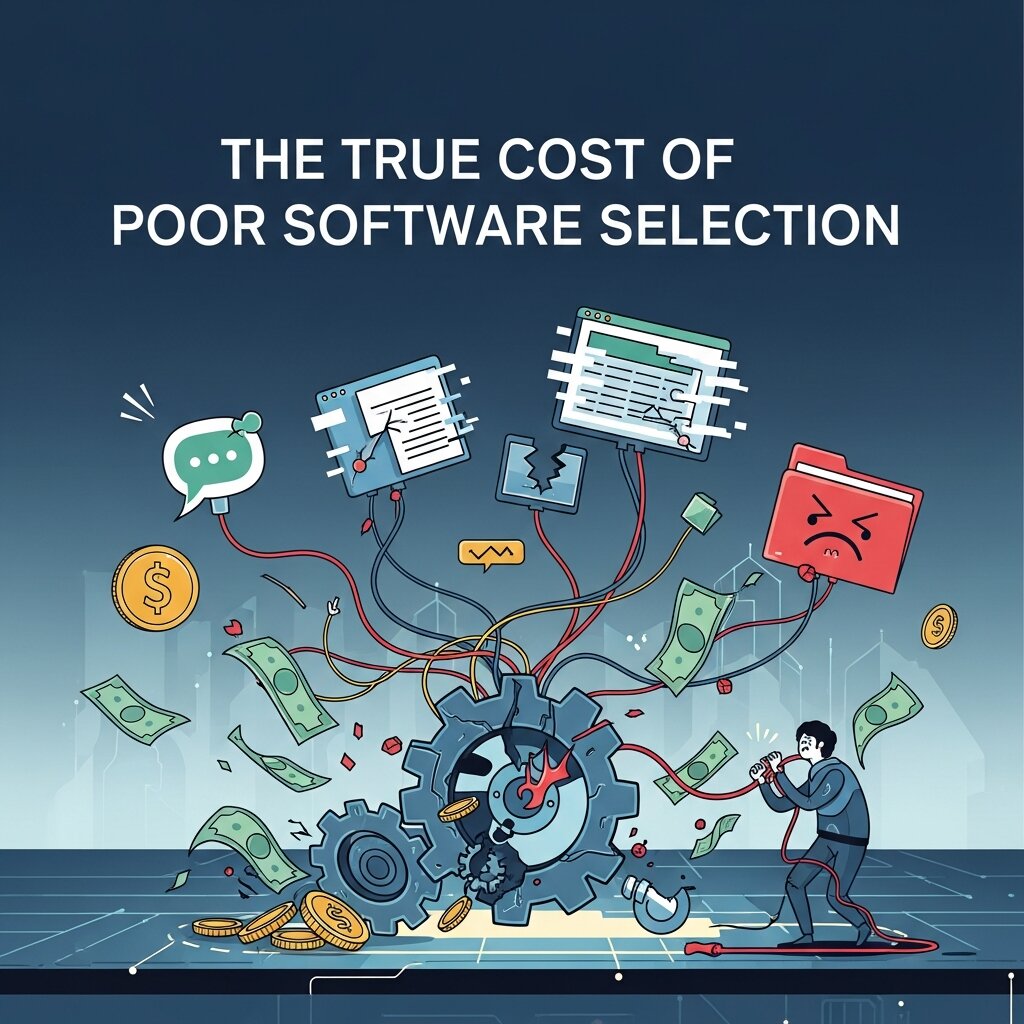 Before diving into the methodology, we need to understand why a rigorous software evaluation matters so much. Purchasing software is rarely a one-time transaction. It is the beginning of a long-term relationship that impacts how your employees spend their days and how your data flows through your organization.
When leaders bypass a thorough evaluation, they often fall trap to “shiny object syndrome.” They might buy a tool because a competitor uses it or because the interface looks modern, ignoring fundamental incompatibilities with their existing tech stack. This leads to disjointed workflows. Employees end up manually transferring data between systems, defeating the purpose of automation.
Furthermore, hidden costs quickly emerge. Implementation fees, premium support add-ons, and expensive integration requirements can double or triple the initial budget. A structured software evaluation prevents these surprises. It forces stakeholders to ask the difficult questions upfront, ensuring that the chosen vendor can support the company’s growth trajectory without demanding constant, costly workarounds.
Pinpoint Your Exact Business Requirements
The most critical phase of comparing software happens before you even look at a single product. You must clearly define the problem you are trying to solve. Without a clear problem statement, evaluating vendors becomes an exercise in comparing apples to oranges.
Start by interviewing the people who will actually use the platform daily. If you are looking to improve your engineering workflow, talk to your lead developers about the bottlenecks in their current deployment cycle. They might tell you that their biggest hurdle is catching bugs before release, making a robust code review software non-negotiable.
If your creative team is struggling to get approvals on marketing assets, their core need is streamlining feedback. In this case, specialized design review software that allows for intuitive, on-image annotations will be your primary focus. Conversely, if your marketing team wants to build social proof and manage online reputation, they need a dedicated customer review software that integrates directly with your website and email client.
Document these specific pain points. Turn them into a centralized requirements document. This document acts as your North Star, keeping the evaluation team grounded when vendors try to distract them with flashy but irrelevant features.
Assemble a Cross-Functional Buying Committee
Software decisions rarely impact just one department. A new CRM affects sales, marketing, customer success, and finance. Therefore, your evaluation team must reflect the diverse groups that will interact with the platform.
Include an executive sponsor who can approve the budget and align the purchase with overarching business goals. Bring in an IT or security specialist early to ensure the software meets data compliance standards. Most importantly, involve the end-users. An end-user will spot usability issues that a manager might completely overlook.
By building a cross-functional team, you prevent siloed decision-making. You also build internal champions. When employees feel they had a voice in selecting the tool, they are far more likely to embrace it during the rollout phase, driving higher adoption rates and faster time-to-value.
Categorize Features into Must-Haves and Nice-to-Haves
With your requirements documented and your team assembled, you can start listing the required features. The danger here is creating an unrealistic “franken-tool” checklist that no single software can satisfy.
To prevent this, use the MoSCoW method: Must have, Should have, Could have, and Won’t have.
Must-have features are the absolute dealbreakers. If you are evaluating customer review software, a must-have might be the ability to automatically trigger review requests after a purchase. Should-have features are important but have workarounds. Could-haves are bonuses that improve the experience but aren’t strictly necessary. Won’t-haves are features you explicitly do not want to pay for, keeping the scope narrow and focused.
This categorization is crucial during the software evaluation process. When two solutions look identical on the surface, comparing their adherence to your “Must-haves” provides a clear, objective tie-breaker.
Build a Targeted Vendor Shortlist
Now that you know what you are looking for, you can enter the market. A simple web search will likely yield dozens of potential solutions. Your goal is to narrow this massive pool down to three to five viable candidates.
Start by reading peer-to-peer review sites like G2, Capterra, or TrustRadius. Look for reviews from companies of a similar size and in a similar industry to yours. Pay close attention to three and four-star reviews, as these tend to offer the most balanced perspectives on a product’s limitations.
Consult your professional network. Ask peers in industry forums or LinkedIn groups what tools they use for specific tasks, like code review software or project management. Their firsthand experiences with a vendor’s customer support and system uptime are invaluable. Quickly discard any vendor that lacks your core must-have features or falls wildly outside your budget constraints.
Execute Rigorous Demos and Proof of Concepts
The software demo is where the evaluation gets serious. Do not let the vendor run a generic, scripted presentation. Take control of the agenda. Send the vendor a list of your specific use cases ahead of time and ask them to demonstrate exactly how their platform handles those scenarios.
If you are looking at design review software, ask the sales engineer to walk through a live scenario where multiple stakeholders leave conflicting feedback on a video file. Watch how many clicks it takes to resolve the issue. Pay attention to the user interface. Is it intuitive, or does it require a steep learning curve?
For high-stakes purchases, insist on a Proof of Concept (POC) or a hands-on trial. Give a small group of your end-users access to the system for two weeks. Ask them to perform their daily tasks using the new tool. This real-world testing will uncover bugs, latency issues, and workflow friction that a polished sales demo intentionally obscures.
Scrutinize Security, Compliance, and Integrations
A software solution can have a beautiful interface and perfect features, but if it puts your company’s data at risk, it is an immediate failure. You must evaluate the vendor’s security posture rigorously.
Ask for their SOC 2 compliance reports. Understand where their servers are located, especially if you are subject to GDPR or CCPA regulations. Clarify who owns the data entered into the system and what happens to that data if you decide to cancel your contract down the line.
Equally important are integrations. A new tool must communicate seamlessly with your existing tech stack. Do they offer native, out-of-the-box integrations with your CRM, ERP, or communication tools? If not, do they have a robust, well-documented API? Relying on fragile, third-party connectors often leads to broken data pipelines and frustrated IT teams.
Analyze the Total Cost of Ownership
Pricing models in the SaaS world are notoriously complex. A per-user per-month fee might look affordable initially, but costs can skyrocket as your company scales.
When comparing solutions, you need to calculate the Total Cost of Ownership (TCO) over a three-year period. Factor in the base subscription costs, but do not stop there. Ask the vendor about implementation fees, data migration costs, and mandatory training sessions.
Consider the cost of different support tiers. Will you need to pay extra for a dedicated account manager or 24/7 technical support? Finally, factor in the internal costs. How many hours will your IT team need to spend maintaining the integration? By mapping out the TCO, you ensure that a seemingly cheap software solution doesn’t become a financial burden in year two.
Common Mistakes to Avoid During Software Evaluation
Many organizations rush through the software evaluation process and end up making costly mistakes. One of the biggest errors is focusing solely on price while ignoring long-term value, scalability, and hidden costs. Another common mistake is excluding end-users from the evaluation process, which often results in poor adoption after implementation. Businesses also tend to overlook integration requirements, assuming that new software will seamlessly connect with their existing systems. Ignoring vendor reputation, customer support quality, or security certifications can create problems down the road as well. To avoid these pitfalls, companies should establish clear evaluation criteria, involve multiple stakeholders, and thoroughly test software before committing. A disciplined approach reduces risk and increases the chances of selecting a solution that delivers lasting value.
Measuring Success After Software Implementation
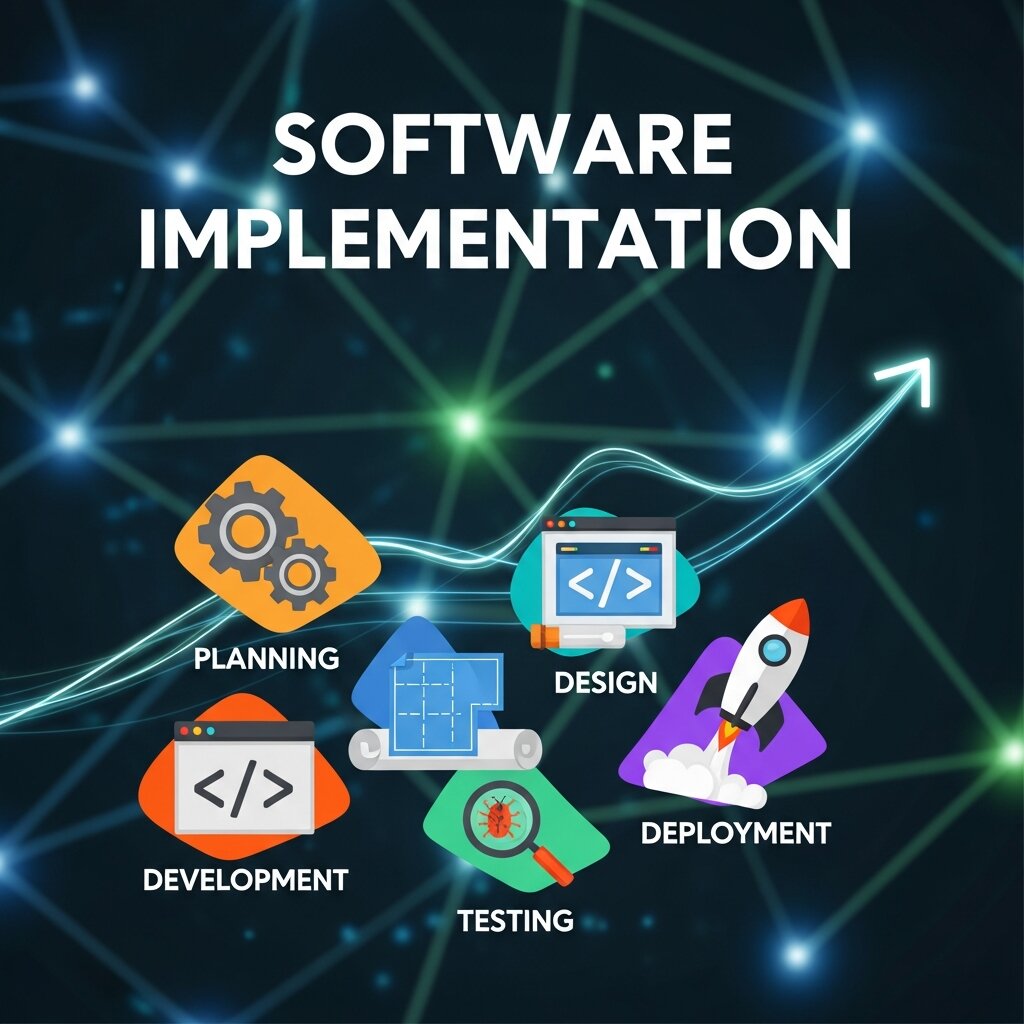 Choosing the right software is only the beginning. Organizations must also measure whether the solution delivers the expected results after implementation. Start by defining key performance indicators (KPIs) such as productivity improvements, user adoption rates, cost savings, or customer satisfaction scores. Collect feedback from employees regularly to identify usability issues or training gaps. Monitoring system performance, integration stability, and support response times can also reveal areas for improvement. Businesses should conduct periodic reviews to compare actual outcomes against their original goals and make adjustments if necessary. By continuously measuring performance and optimizing workflows, organizations can maximize the return on their software investment and ensure the solution continues to support evolving business needs over time.
FAQ Section: Software Evaluation
1. What is software evaluation?
Software evaluation is the process of assessing and comparing software solutions based on factors such as features, usability, security, integrations, and pricing to determine which option best meets a business’s requirements.
2. Why is software evaluation important?
A thorough software evaluation helps organizations avoid costly mistakes, improve user adoption, reduce implementation risks, and ensure the chosen solution aligns with long-term business goals and operational needs.
3. What factors should be considered during software evaluation?
Key factors include functionality, ease of use, scalability, security, integration capabilities, customer support, pricing, compliance standards, and the vendor’s reputation in the market.
4. How do you identify business requirements before evaluating software?
Start by interviewing stakeholders and end-users to understand their pain points and workflows. Document these needs in a requirements list and prioritize them based on business impact and urgency.
5. What is the difference between must-have and nice-to-have features?
Must-have features are essential capabilities that the software must provide to meet business needs. Nice-to-have features are additional functionalities that improve the user experience but are not critical for success.
6. How many software vendors should you compare?
Most organizations benefit from comparing three to five vendors. This provides enough variety to make an informed decision without making the evaluation process overly complex or time-consuming.
7. Why are software demos and proof of concepts important?
Demos and proof of concepts allow businesses to test software in real-world scenarios, evaluate usability, identify potential limitations, and gather feedback from actual users before making a purchase.
8. What is Total Cost of Ownership (TCO) in software evaluation?
Total Cost of Ownership includes all costs associated with the software, such as subscription fees, implementation expenses, training, maintenance, integrations, and ongoing support over a specific period.
9. How important are security and compliance in software evaluation?
Security and compliance are critical. Organizations should verify data protection measures, compliance certifications, access controls, and privacy policies to ensure the software meets industry regulations and safeguards sensitive information.
10. How can businesses make a data-driven software selection decision?
Businesses can use a weighted scoring matrix to compare vendors objectively based on predefined criteria, user feedback, trial results, and total cost, ensuring the final decision is based on measurable data rather than assumptions.
Making a Confident, Data-Driven Decision
 Once you have completed all these steps, the path forward usually becomes clear. You have evaluated the market against your specific business requirements, tested the interfaces, scrutinized the security protocols, and mapped out the true financial impact.
Gather your buying committee one last time. Review the data from the trials and the feedback from the end-users. Use a weighted scoring matrix to rank the final vendors objectively.